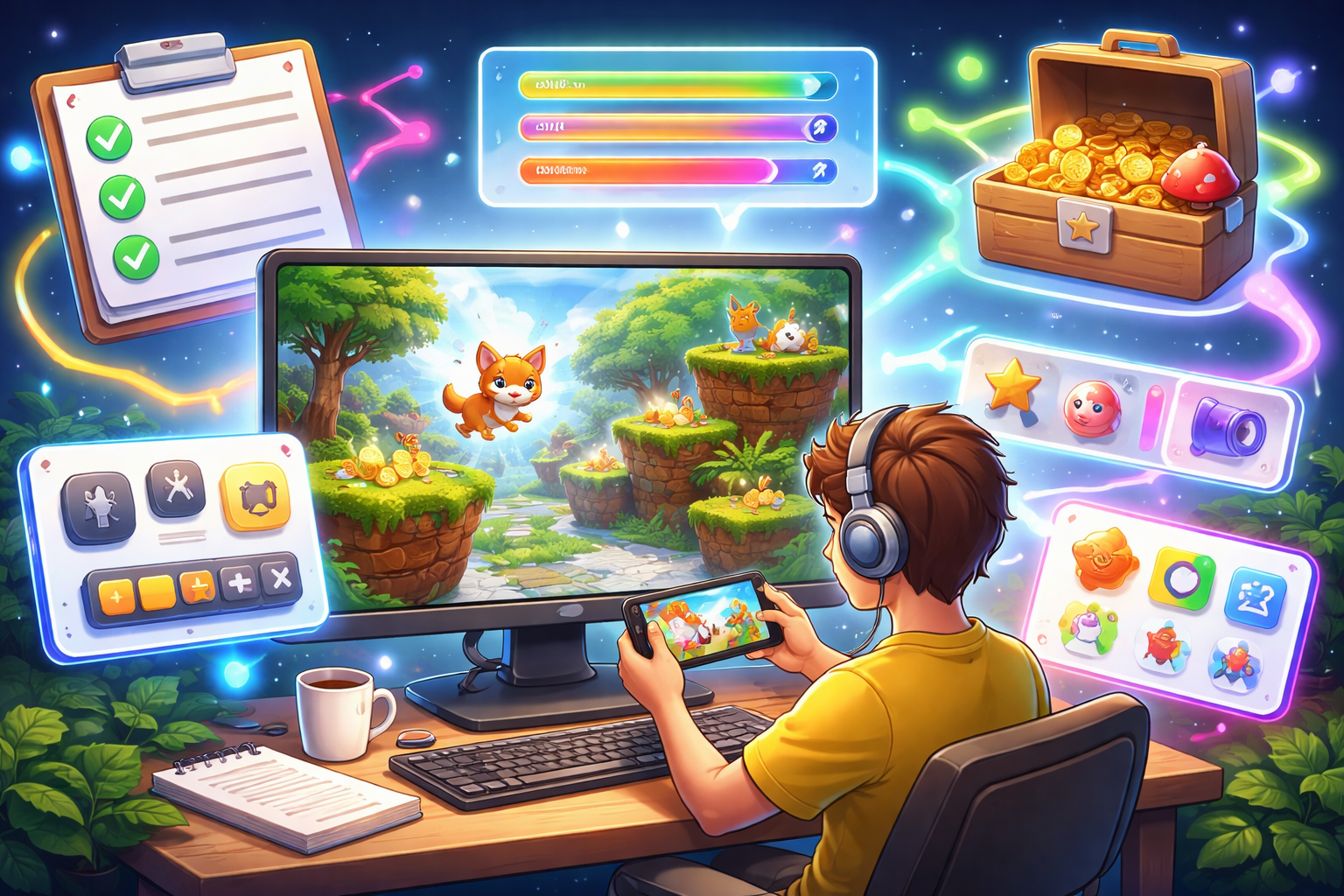
Using an AI game maker to generate a game from a short idea can feel exciting at first—but the results are often underwhelming. The basics may be there: movement works, obstacles appear, and objectives exist. Yet something feels off. Controls might lack responsiveness, visuals may seem generic, and the gameplay loop can feel repetitive or unbalanced. This usually happens because simple prompts leave too much room for interpretation. The AI fills in missing details with generic assumptions, which rarely match your intent. The solution is to refine your prompt step by step—adding clarity around mechanics, style, and player experience until the result aligns with your vision.
Think of it as an iterative process: describe, generate, test, and improve. Instead of trying to get everything perfect at once, gradually layer in details. Even small additions—like defining jump height or adding sound effects—can dramatically improve the final game. Most creators notice major improvements after just a handful of iterations.
Start with a Clear Core Concept
Every strong AI game maker begins with a simple, focused idea. If your initial prompt is vague, the result will likely feel unfocused too. Rather than saying “make a fun jumping game,” define the main action and goal clearly. For example: a fox jumps across platforms to collect fish and reach the finish point. Keep this foundation short—just one or two sentences.
Once the core is clear, build outward. Define the player’s objective, such as collecting all items or surviving for a set time. Then test this basic version. Spend a few minutes playing it—does it feel coherent and engaging? If not, simplify and clarify before moving on. A strong core idea makes every later improvement easier.
Define Controls and Mechanics Precisely
Controls are one of the most important parts of the experience. If they feel delayed or awkward, players lose interest quickly. Avoid vague instructions. Instead, describe exactly how the player interacts with the game. For example, specify where to tap on a screen, how movement behaves, or how long actions take. You can also define movement physics—like how jumps carry forward or how landing feels.
Mechanics should be equally detailed. Describe distances between platforms, how enemies behave, or how often items appear. For instance, you might specify that enemies patrol a certain range or begin chasing the player under certain conditions. After generating a version, test how it feels. If movement seems off, refine further—such as adding variable jump height or adjusting speed. Precise instructions lead to smoother, more responsive gameplay.
Build a Strong Visual and Audio Identity
Games that look and sound generic are easy to forget. To make your game stand out, clearly describe its visual style and audio elements. Instead of basic visuals, paint a scene. Think about character design, background elements, and environmental details. For example, describe colors, animation styles, or how objects appear in motion.
Then layer in sound. Background music sets the tone, while sound effects reinforce player actions. A simple action like collecting an item becomes more satisfying when paired with a distinct visual effect and sound cue. Refine visuals and audio in stages. First focus on appearance, then add sound. Test both together to see if they enhance the overall experience.
Add Feedback to Make Actions Feel Rewarding
Players stay engaged when their actions feel impactful. Without feedback, even well-designed mechanics can feel flat. Every interaction should trigger a response—whether visual, audio, or both. For example, collecting an item might produce a burst of particles, a score increase, and a sound effect. Landing from a jump could include a subtle animation and impact sound.
User interface elements also play a role. Make sure key information like score or progress is clearly visible. End screens and milestones can include celebratory effects to reinforce achievement. A good example of this approach can be seen in 99 Days in the Ocean. Early versions of the game felt dull because interactions lacked feedback. After adding effects like splash animations, dynamic score pop-ups, and subtle screen movement during key moments, the experience became far more engaging. Players responded positively to the improved “feel,” even though the core gameplay stayed the same.
Balance Difficulty and Maintain Flow
A game that is too easy becomes boring, while one that is too hard quickly frustrates players. The goal is to create a smooth difficulty curve that keeps players engaged. Start by making the early experience forgiving. Give players time to learn mechanics with simple challenges. Gradually increase difficulty by adjusting elements like speed, spacing, or enemy behavior.
Flow is just as important as difficulty. Alternate between intense moments and calmer sections to avoid overwhelming the player. Introduce new challenges gradually, then combine them as the game progresses. After building your progression, play through the entire experience. Pay attention to how the difficulty evolves. If it feels uneven, adjust the pacing until it feels natural and rewarding.
Test, Evaluate, and Iterate
Refinement only works if you actively test each version. After making changes, generate a new build and spend time playing it. Pay attention to first impressions. Is the objective clear right away? Does the gameplay feel smooth? How long do you stay engaged?
It also helps to share your game with others. Fresh perspectives can reveal issues you might overlook. Focus on improving one aspect at a time instead of changing everything at once. Comparing different versions side by side can also highlight progress and help you identify what works best.
Example of a Refined Prompt
A simple prompt might start as:
“A fox jumps across platforms and collects fish.”
After refinement, it could become something like:
“A small orange fox with expressive animations jumps between platforms with adjustable jump height based on input. The environment is a lively forest with layered backgrounds. Collectible fish glow and emit spark effects when picked up. Enemies patrol and chase the player when nearby. Difficulty increases gradually across multiple levels, with tighter gaps and faster enemies. The goal is to collect a set number of fish and reach the finish.” The refined version provides clear direction, resulting in a more polished and engaging game.
Final Thoughts
Improving AI-generated games comes down to clarity and iteration. Start with a simple idea, then gradually enhance it by refining controls, visuals, feedback, and progression.
Instead of expecting perfect results immediately, treat each version as a step forward. With each refinement, your game becomes closer to what you originally imagined—and far more enjoyable for players.
Disclaimer
This article is intended for informational and educational purposes only. The strategies and examples provided are general guidelines for improving prompts when using AI game generation tools. Results may vary depending on the specific platform, software capabilities, and individual implementation.
References to games such as 99 Days in the Ocean are included for illustrative purposes only and do not guarantee similar outcomes. Any improvements in gameplay quality, engagement, or performance depend on multiple factors, including testing, iteration, and design decisions made by the creator.